Imperium
I built a Windows AI workspace around a specific engineering problem: letting a model work on a project while keeping proposed changes visible and under the user’s control.
The problem I worked on
AI conversation is useful, but applying its output to files creates a different set of responsibilities. I built separate spaces for conversation, planning, and project work so the interface makes those boundaries clear.
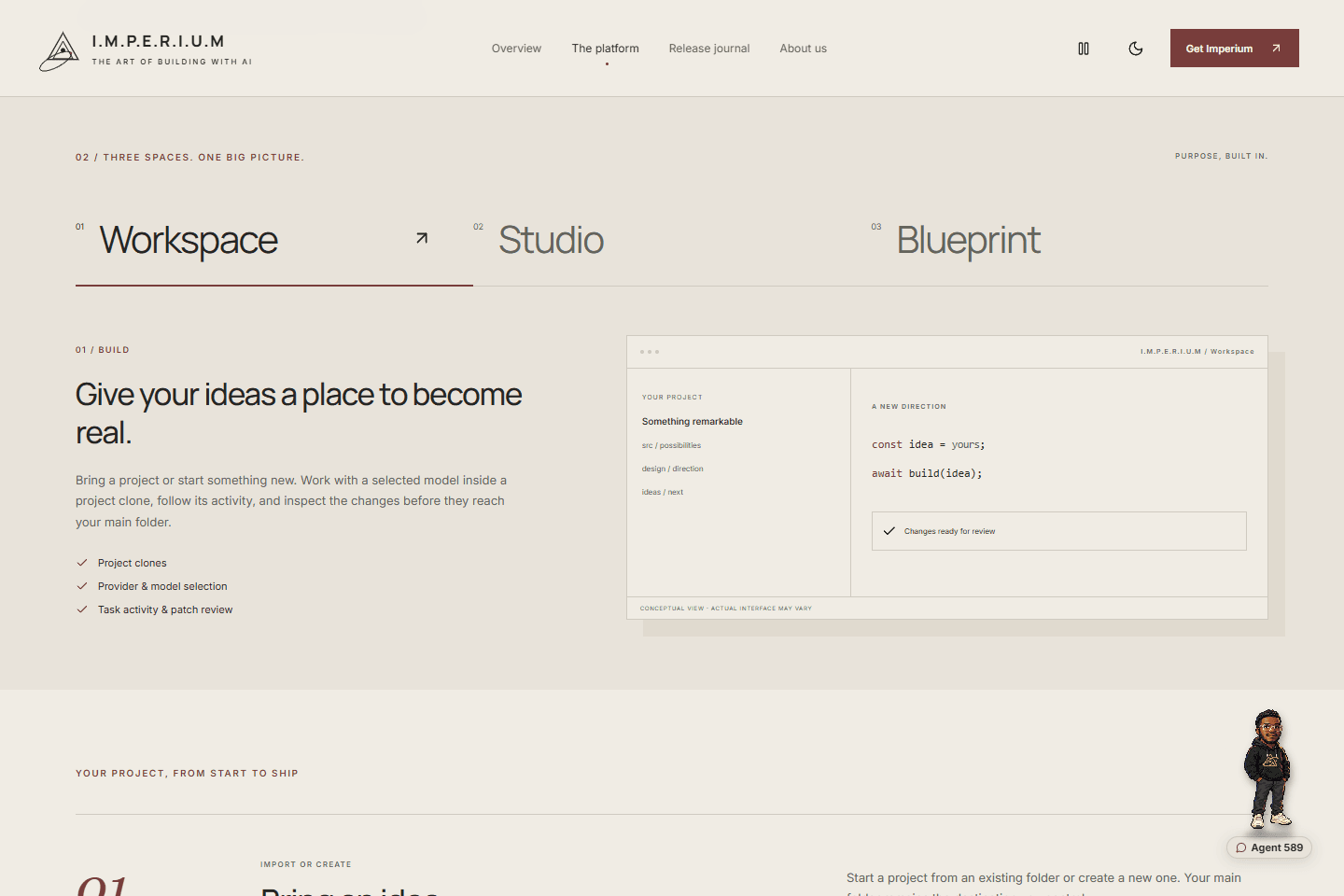
I organized project work around clones and reviewed patches. Experimentation happens in a separate copy; changes return for review before the user applies them to the linked main folder.
This project is part of my work at Axiom Risk Group.
What I built
Isolated project work
I connected project setup, provider selection, and model choice to a separate working copy. Task activity stays visible so the user can follow what the selected integration is doing.
Conversation history
I gave Studio its own conversation history, allowing discussions to stand on their own without being treated as instructions to modify project files.
Planning before execution
I separated Blueprint planning from implementation, with its own history and a clear distinction between discussing a task and changing files.
Reviewed patch application
I connected proposed patches, recorded checks, and review actions before application to the linked main folder. Change history and available rollback records make that process inspectable.
The engineering
My central design decision was to make the transition from model output to project changes explicit. Assigned working environments, permission controls, patch states, and recorded activity expose that boundary in the application.
Model choice is part of that design. Supported cloud providers, APIs, and local models bring different capabilities and requirements. The app works within those limits, while project scans and sensitive-file decisions provide information for the person reviewing the work.
The public website explains the workflow, guides hardware choices, and separates published installers from development notes. Its release journal records each build’s changes and completed checks.
The tech stack
A native desktop application does the project work. A separate React website introduces the platform and documents its releases.
| Technology | What it does |
|---|---|
| React, TypeScript, and Vite | The desktop interface and its frontend build tooling. |
| Tauri and Rust | The native desktop shell, with modules for projects, clones, patches, policies, and rollback. |
| SQLite | Local records for receipts, task events, routing, and agent activity. |
| Qwen3 and llama.cpp | The bundled local CPU model and runtime. Native capability qualification remains incomplete. |
| React, custom CSS, and Lucide | The separate public website, including responsive platform views, themes, and icons. |
| Vercel and GitHub Releases | Website hosting and a public distribution record with installer notes and checksums. |
A project in motion
Imperium is available in early access for Windows. Agent 589’s native model qualification remains incomplete, and provider support depends on the selected integration. The next steps are recorded alongside each release as the product develops.
Explore the platform walkthrough or read the release journal for the current build and its verification notes.
Hiring for AI applications or desktop engineering?
I’d welcome a discussion about your role and the systems your team is building. I can walk through the project workflow, model integrations, and decisions behind Imperium.